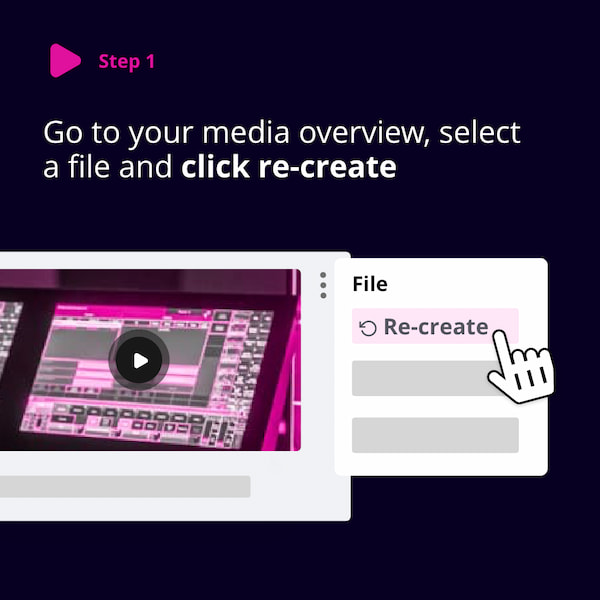
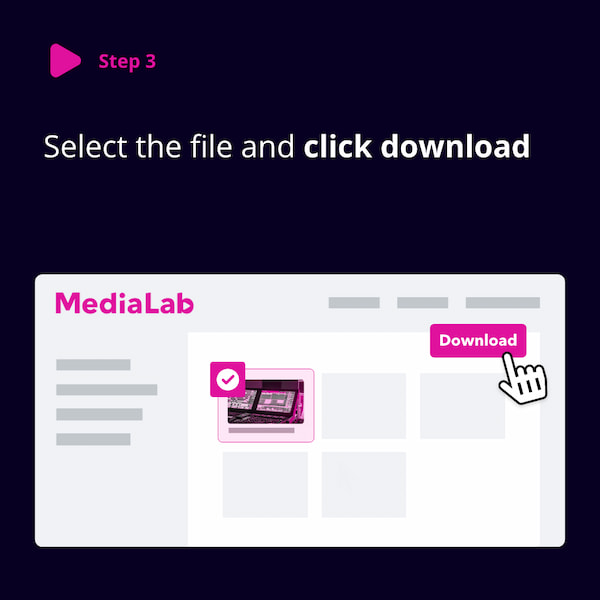
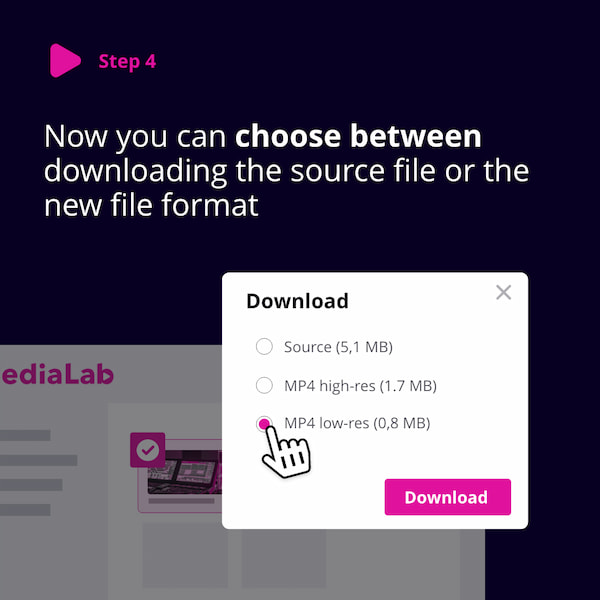
Transcode feature (previously Recreate)
The Transcode feature is available for videos and allows you to:
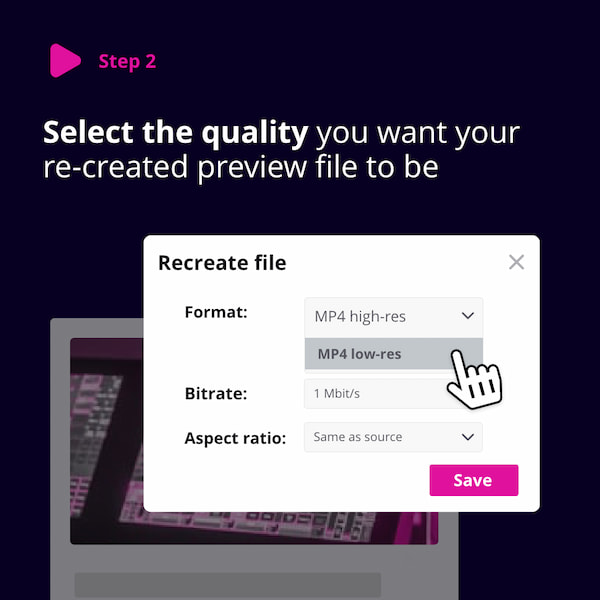
- Create different formats of your videos (e.g. HLS, MP4 low res, WMV, MPEG-1).
- Re-create an existing format with new settings (e.g., aspect ratio or bitrate).
You can access the Transcode option via the file context menu > Media Editor. It transcodes files you’ve uploaded and is particularly useful for videos and audio files.
With Transcode, you can adjust:
- Format - Convert to different video formats such as high- or low-resolution MP4.
- Export - Export the video to a new asset .
- Captions - Burn captions into the video during export.
- Clip Cutting - Cut out a specific part of the video during export.
- Bitrate - Change the video quality/bitrate.
- Aspect ratio - Choose between the original ratio, 4:3, or 16:9.
- Deinterlace - Convert interlaced video (e.g., analog TV or 1080i HDTV) to progressive video.
- Watermark - Embed a watermark into the transcoded version, if one is set in Branding Settings.
- Timecode - Burn timecode into the video.