---
title: 'Transcode feature (previously Recreate)'
description: 'How to use the Transcode feature to create new video formats or re-create an existing format with different settings such as bitrate or aspect ratio.'
url: https://www.medialab.co/support/core/downloading/recreate-feature
---
# Transcode feature (previously Recreate)
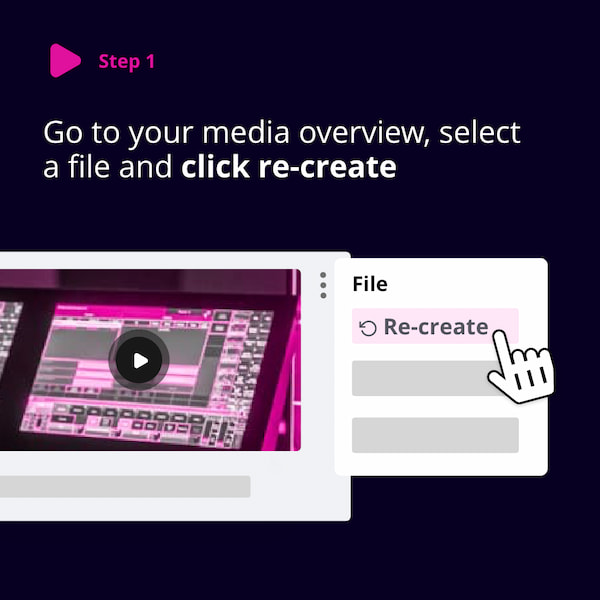
The **Transcode** feature is available for videos and allows you to:
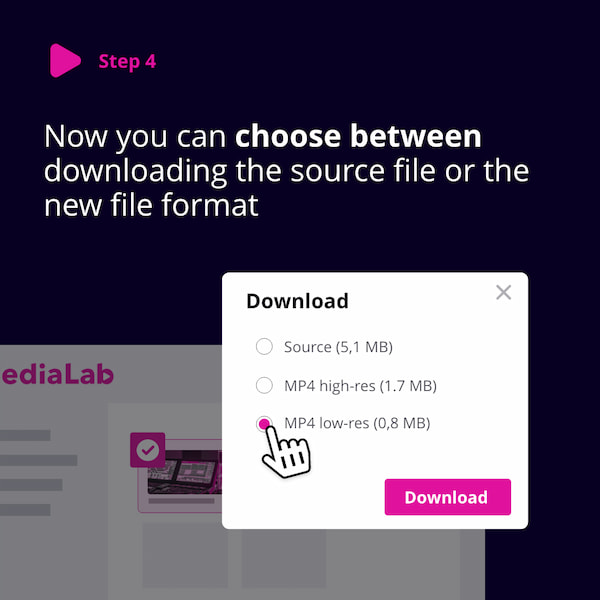
- Create different formats of your videos (e.g. HLS, MP4 low res, WMV, MPEG-1).
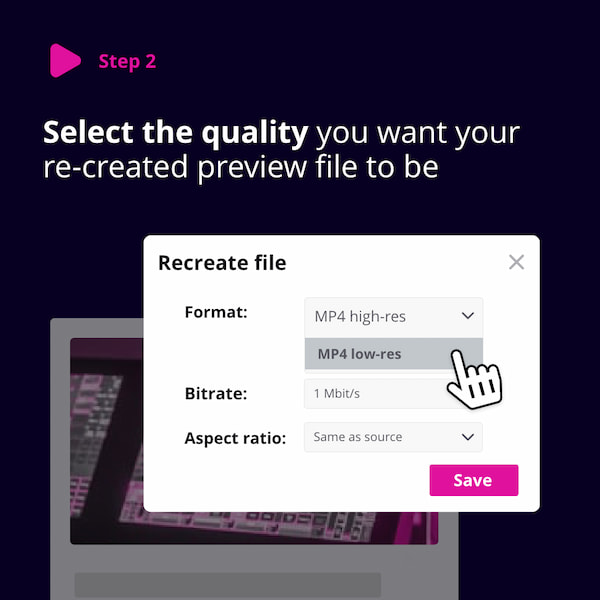
- Re-create an existing format with new settings (e.g., aspect ratio or bitrate).
You can access the Transcode option via the **file context menu** > **Media Editor**. It transcodes files you’ve uploaded and is particularly useful for videos and audio files.
With Transcode, you can adjust:
- **Format** - Convert to different video formats such as high- or low-resolution MP4.
- **Export** - Export the video to a new asset .
- **Captions** - Burn captions into the video during export.
- **Clip Cutting** - Cut out a specific part of the video during export.
- **Bitrate** - Change the video quality/bitrate.
- **Aspect ratio** - Choose between the original ratio, 4:3, or 16:9.
- **Deinterlace** - Convert interlaced video (e.g., analog TV or 1080i HDTV) to progressive video.
- **Watermark** - Embed a watermark into the transcoded version, if one is set in **Branding Settings**.
- **Timecode** - Burn timecode into the video.
### Related articles
- Media editor